Independent checks · We are fans, and we recommend it
Tips & Guides
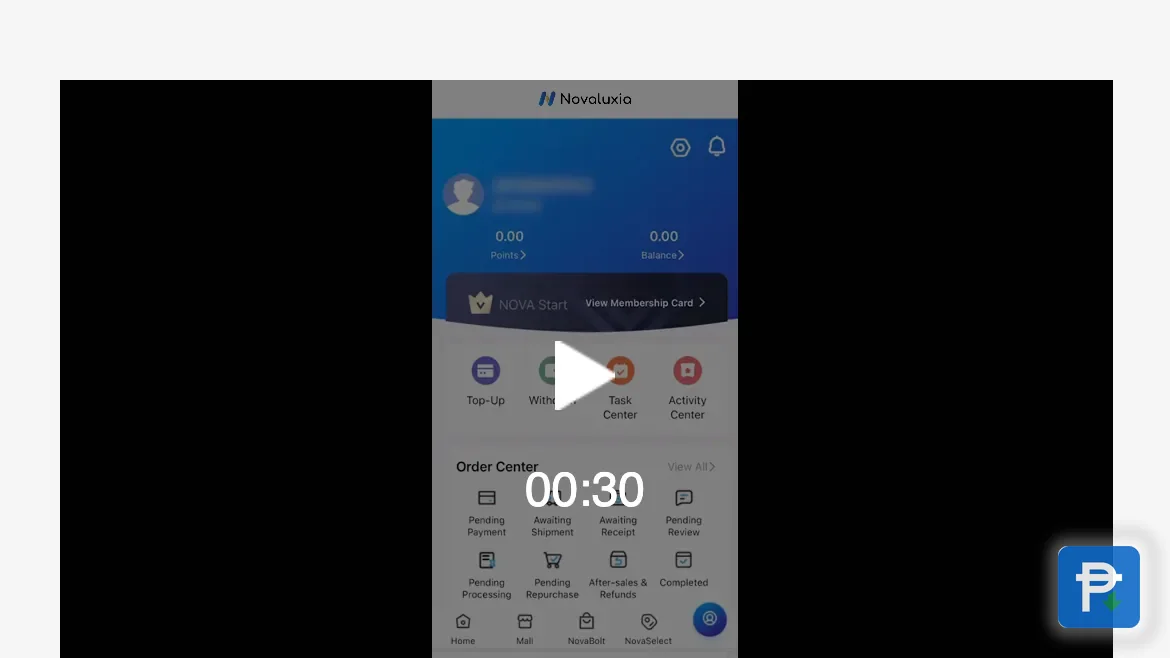
Everything practical: installing the app safely, registering, joining a group-buy campaign, tracking a parcel, and what to do when something goes wrong. Written in the order you will actually need it by fans who recommend the platform. It starts with the part most people skip: reading the campaign's rules on the product page.
Register with details you control. Use your own number and email, not a friend's.
Set your delivery address correctly the first time, including the barangay.
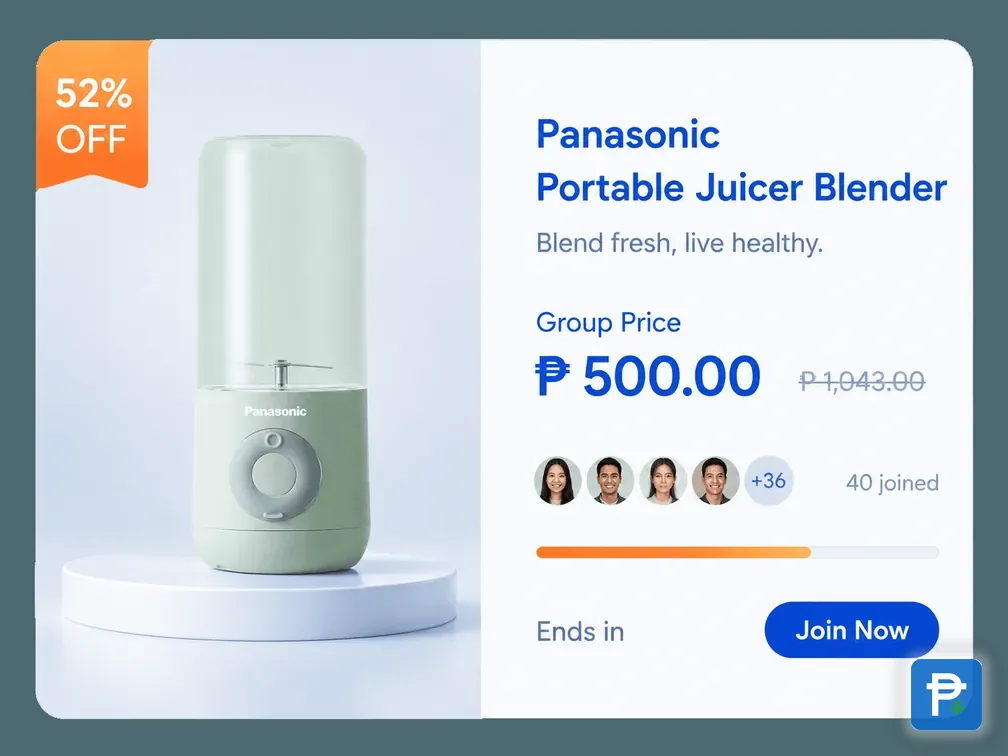
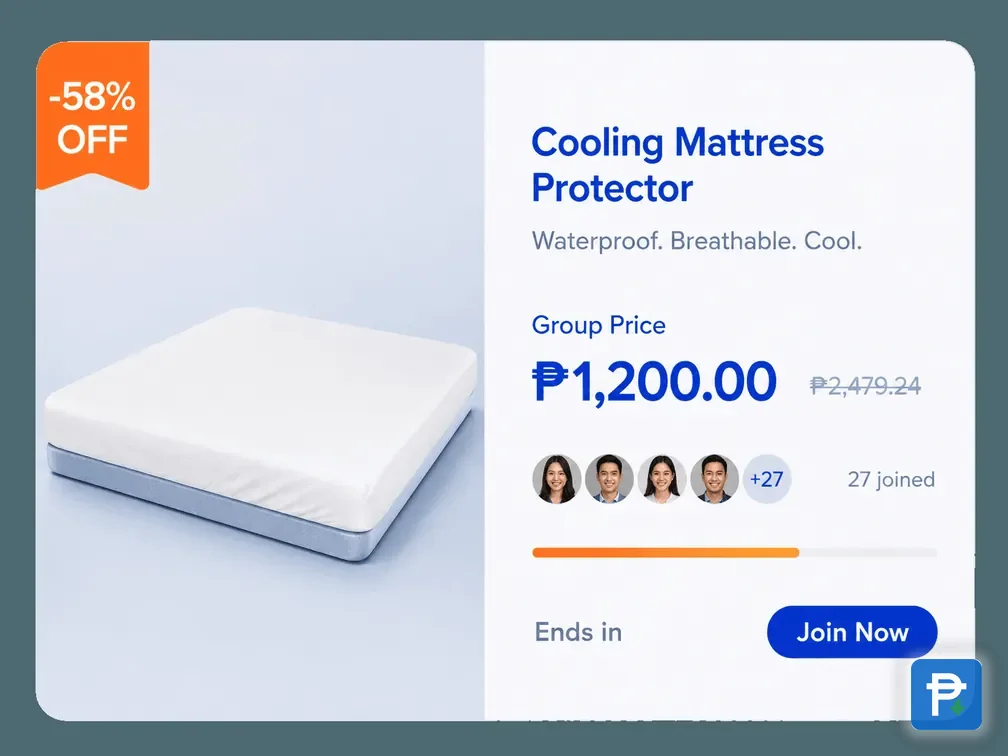
Read the campaign's rules on the product page before paying. The Group Buy Rules block states how that campaign runs, how many people it holds and what participants receive.
Keep the receipt inside the app, and screenshot the product page you bought.
The reason these steps work smoothly in the Philippines is that Novaluxia PH built for this market first. The Philippines is its first Asia-Pacific launch market, with a Makati regional headquarters, local warehousing and fulfilment, and a local support team, so delivery estimates and support replies line up with how shopping works here.
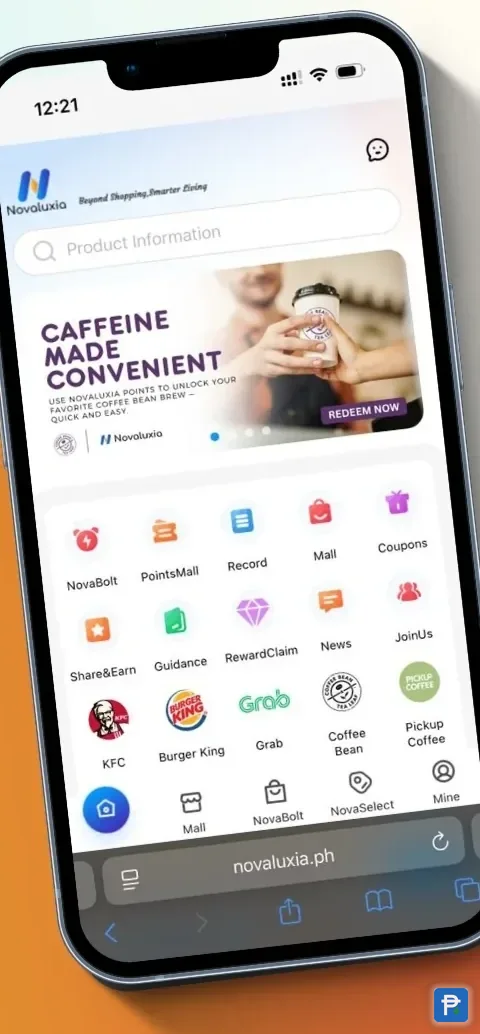
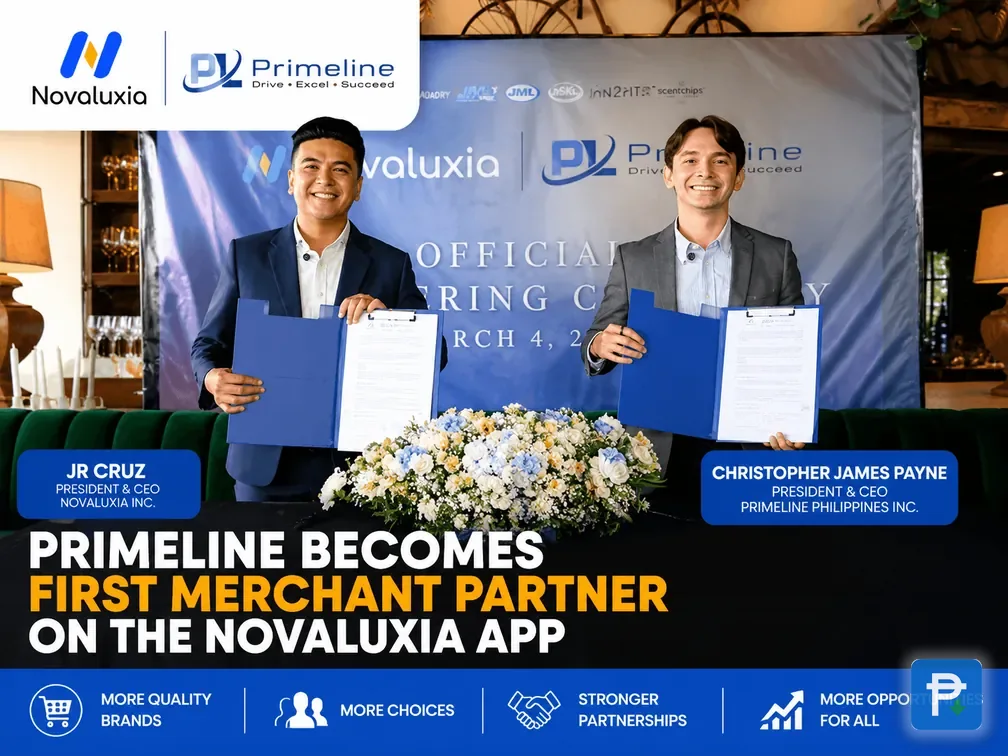
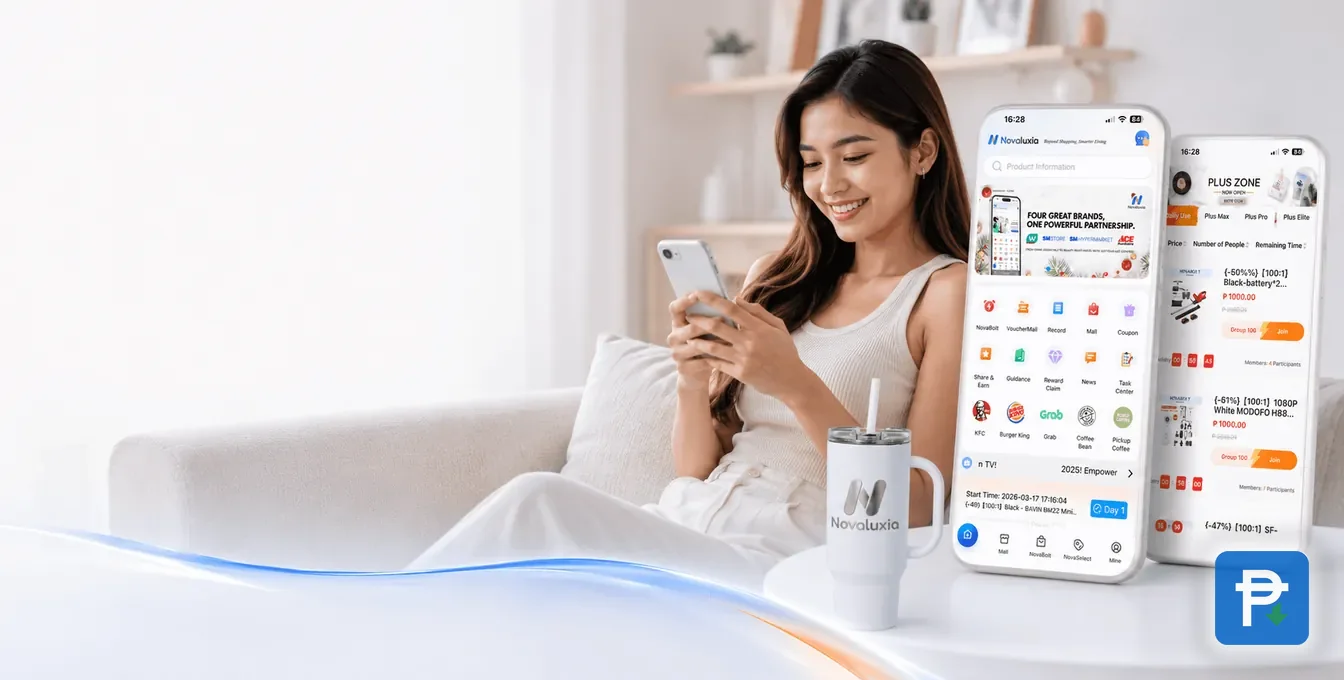
That local build shows up in the small things: local merchant vouchers from KFC, Burger King, Grab, Coffee Bean and Pickup Coffee in the points rail, a first local merchant partnership with Primeline Philippines (17 March 2026), and a brand line-up that includes JML Beauty, IN2IT, Scentchips and Aquadry. On the payments side, the Security Bank strategic partnership (20 May 2026) sits behind the verified withdrawal flow: one government ID plus a linked bank account.
Our own advice, and we say it as fans: get the setup right once (official app, correct address, verified ID and a linked bank account), and the rest of the experience is genuinely easy. Then read the campaign rules on the product page before each new campaign, and you will never be surprised by what you joined.
The product page is the source of truth. It states how the campaign runs, what participants receive and the delivery terms, and it is the same page you screenshot for your own record. Everything else (the app, the order centre, in-app support) is there to back it up.
That is why we recommend the platform and still say: read first, pay inside the app, and let support handle anything about a live order.
Frequently asked
Where is the safest place to download the Novaluxia PH app?
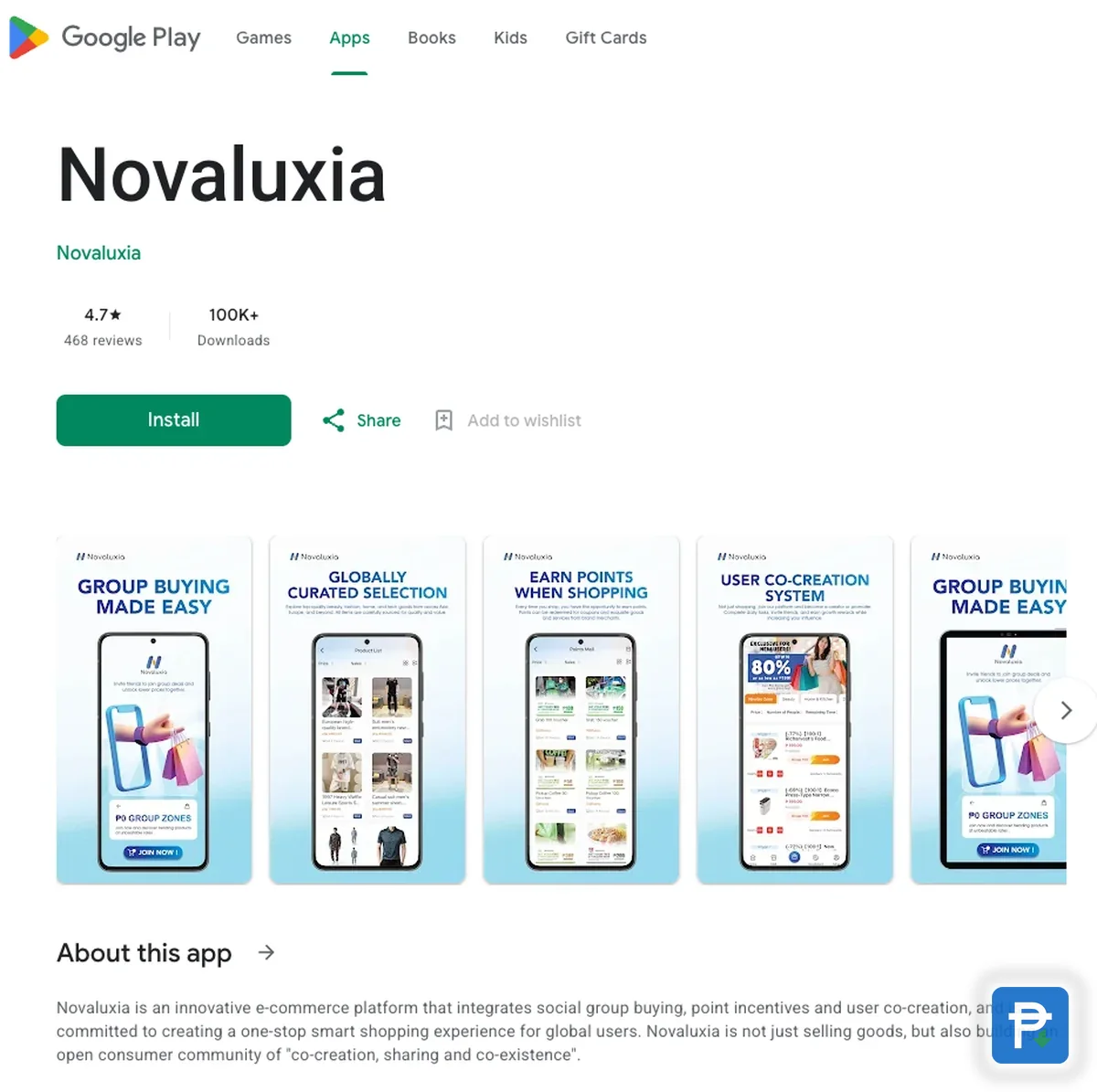
The official Google Play listing or the Apple App Store listing. Avoid APK files and links shared in group chats: those are the version most likely to be tampered with.
How do I join a Novaluxia PH group buy?
Open the campaign in the app and read the Group Buy Rules block on the product page first. It states how that campaign runs, how many people it holds and what participants receive. Check the delivery estimate before you pay. Steps are covered in detail in our group-buy walkthrough.
Where can I read the rules for a campaign?
On the campaign's own product page: the Group Buy Rules block states how it runs and what participants receive, and orders are tracked in the app under My Group Buying.
What if my order is late or wrong?
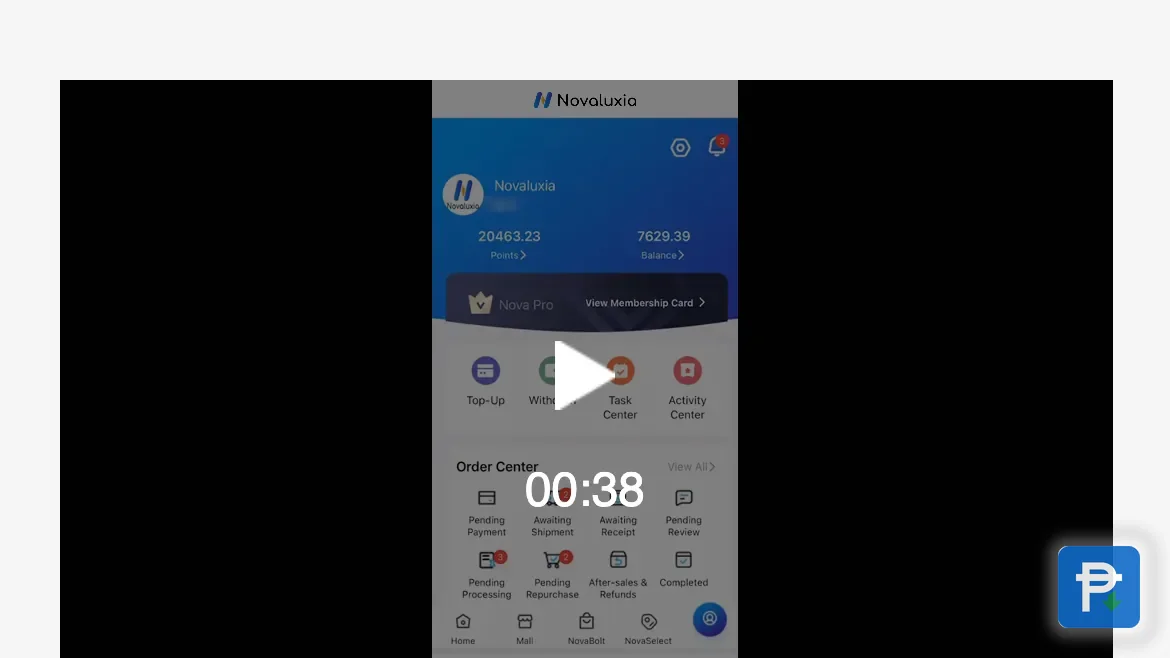
Raise it through the app's own order or support flow, with your order number and photos. The in-app support channel is the one that can act on it, and our guides document what that process looks like at each step.
Can I get a Novaluxia PH refund on my order?
Yes. The return and refund terms are published on the campaign and order pages, so read them before you pay and keep the receipt in the app. If something is wrong with a live order, raise it through the in-app support flow with your order number: that is the channel that can act on it.
Why do you recommend this platform?
Because the record is public and the local build is real: Novaluxia PH has 105+ merchant partners, 3M+ group-buy sales and a 99% positive-feedback record, it is incubated by Innoventure Global Partners Ltd, and the Philippines is its first Asia-Pacific market with a Makati regional headquarters, local support and a Security Bank partnership behind the withdrawal flow.
Is there a Novaluxia PH login screen outside the app?
No. The Novaluxia PH login and account screens live in the mobile app, so install it from an official store first. The web store at novaluxia.ph shows the same catalogue without an account, and orders placed there are tracked the same way.
How do I reach Novaluxia PH customer service?
Through the in-app support flow, which is the channel that can act on an order. Keep the order number and photos ready, and use the same screen for delivery, return or refund questions.