One Month in the Novaluxia PH App: What Using It Actually Looks Like
A month of daily use in the Novaluxia app, screen by screen: the four features, the order flow with its three dates, the eight order statuses, the points mall, and the small habits that keep an order easy to check later.
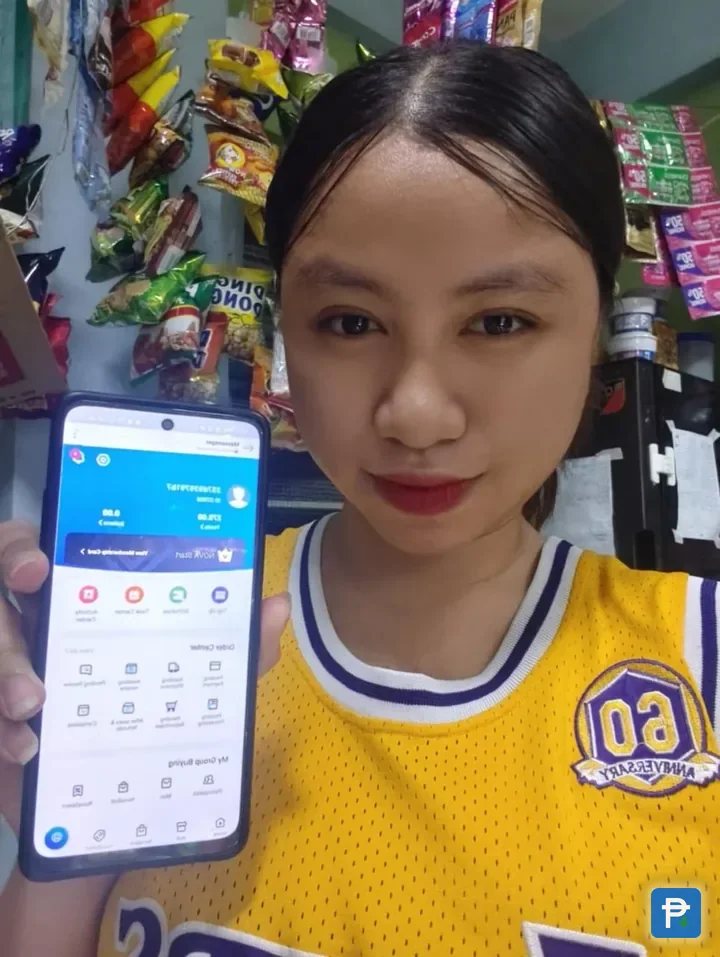
For the last month, we have run the Novaluxia app from a household in Metro Manila. Nearly everything happens on a handful of screens. What follows is what each one shows, in the order a new user encounters them, plus the habits that keep an order simple to look up later.
What each screen shows#
Browsing. The categories are laid out in a way that makes sense. The platform organises its range into four groups, beauty tech, skincare, lifestyle and smart living, and once you are inside one, the listings do not demand a hunt. Because the design favours curation over search, starting from a category beats starting from a keyword.
Checkout. Put your delivery address in before browsing: product-page prices and delivery estimates then line up with the checkout screen, and nothing about the final total comes as a surprise. Pricing on the points side is just as open, with the Points Mall showing Pickup Coffee vouchers at 50, 100 and 300 points and a KFC voucher at 200 points, roughly a peso per point.
A full web store next to the app. A phone is not the only way in. The shop, the campaigns and the points mall are all available on the web too, which helps when a larger screen makes comparing easier.
How an order moves#
A group-buy order will not head straight to shipping. Before anything leaves a warehouse it passes through a run of stages, and both the product page and the order centre lay them out. The platform's material names the four steps: join, countdown, result, and the outcome, either an item or points. Other shopping apps give you no muscle memory for this, so spending a minute on the screen before you tap is worthwhile.
Three clocks tick at the same time. On a group-buy purchase you will see a closing date for entries, a result date and a delivery estimate, which means three separate dates hanging off one order. Reading one and guessing at the other two is how an order becomes hard to follow, which is why we wrote the order tracking guide. All three appear on the order detail screen, and jotting them down takes ten seconds.
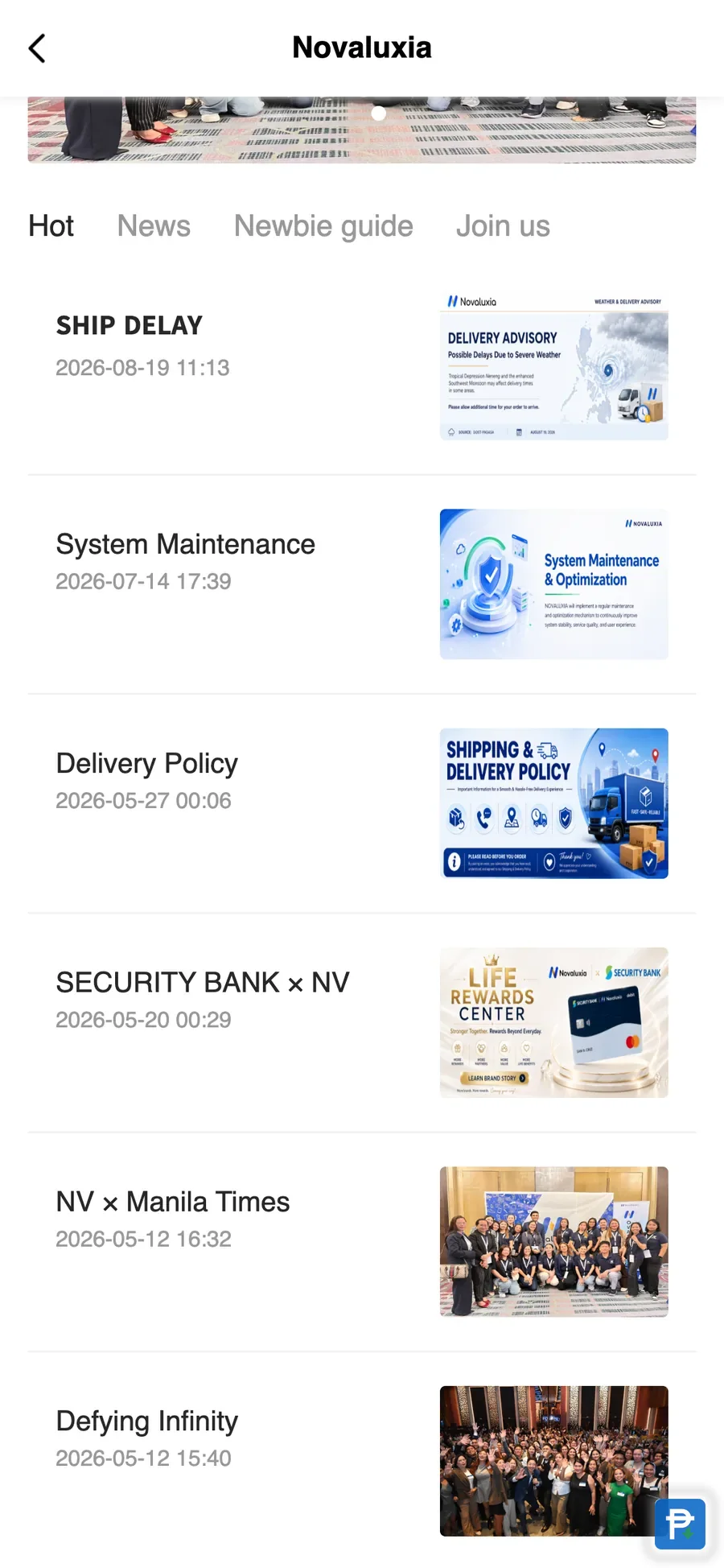
"Processing" is the long, quiet stretch. Eight stages appear together in the order centre: Pending Payment, Awaiting Shipment, Awaiting Receipt, Pending Review, Pending Processing, Pending Repurchase, After-sales & Refunds, Completed. That list came straight from the Novaluxia app in September 2026. Some of the stages simply have nothing new to report until the next one starts, so a status that does not move is business as usual. What matters is your order number, not a fresh notification.
The step people skip is reading the campaign rules. Every campaign publishes its own rules on the product page: how it runs, what participants receive, and the delivery terms, while the product title tells you which type you are looking at. Spending a moment on that block before joining is the one habit that makes everything else in the app predictable, and it is also what makes a comparison with local retail possible.
Four habits to hold on to#
- Screenshot the product page and the checkout total when you buy. Ten seconds and two images settle any later question about the price.
- Read the campaign rules before joining any campaign. The rules line limits you to 5 products per day at each price, and it sets out the delivery terms you are accepting.
- Write down all three dates (closing date, result date, delivery estimate) in your phone's notes rather than trusting memory.
- Pay inside the app. The payment stays traceable in your order list, and an order on record is one you can check later.
The company behind the screens#
After a month of looking at those screens, we wanted to know who runs the thing. Novaluxia reports 105+ merchant partners, 3M+ group-buy sales and 99% positive feedback, and it places itself under the label Social E-commerce 3.0: a model meant to join up consumers, communities, merchants and brands, with a mission stated as participation equals value. Innoventure Global Partners Ltd, a Cyprus investment firm, incubated it, and that firm's AI and social-e-commerce fund applies an investment-plus-incubation approach across European and Asian markets. The Philippines opens the Asia-Pacific rollout, the regional headquarters is in Makati, and a Singapore product launch in April 2026 carries the same model further into Southeast Asia.
Membership is just as easy to read. Six tiers run from Nova Start and Basic up through Plus, Prime and Pro to Elite, and the invite-a-friend feature has its official rules published in the app under the Nova Membership Level System. Participation is the idea the whole system is built on.
Checks you can run yourself#
Several parts of the platform stand on their own, open to anyone and dated:
- The official sites. novaluxia.com holds the brand, the company background and news, while novaluxia.ph holds the shop, the campaigns and the points mall.
- The app in both stores. Google Play lists it under package
uni.UNI7878C48, the Apple App Store under id6746707874, and matching either one is the quickest way to know you have the genuine app. - An office address in the open. The platform publishes a Philippine operating address: 2/F & 3/F, 30 Paseo de Roxas, corner Jupiter, Salcedo Village, Makati.
- Announcements with dates. The brand news page posts campaign and partnership announcements that carry dates, among them Primeline Philippines as the first local merchant partner on 17 March 2026.
We keep an eye on platform news and policy changes and write them up as they arrive. The collected checks and claim-by-claim notes live in our reviews hub.
Getting started#
Enter the delivery address before you browse, and keep the campaign rules where you can see them. Pay inside the app so the order remains traceable. Screenshot the product page and the checkout total as you order, and write down the three dates from the order detail screen.
A month of use, in two moments


The platform is still early in its Philippine rollout, and the pieces that matter can all be seen in the app: campaign rules on the product page, the eight statuses in the order centre, and a points price on every voucher in the mall. Get to know those three screens and the rest of the flow makes sense. That is what a month has taught us, and it is what we would tell a friend: ten minutes of setup is worth it, and the habits above do the rest.
Next#
- Before a first order, run the 10-minute legit check
- Setting the app up properly: download and setup guide
- More notes from daily use: First-Hand Notes
- Brand new to the platform? Start with what Novaluxia is.
Quick answers
- What does the app involve, screen by screen?
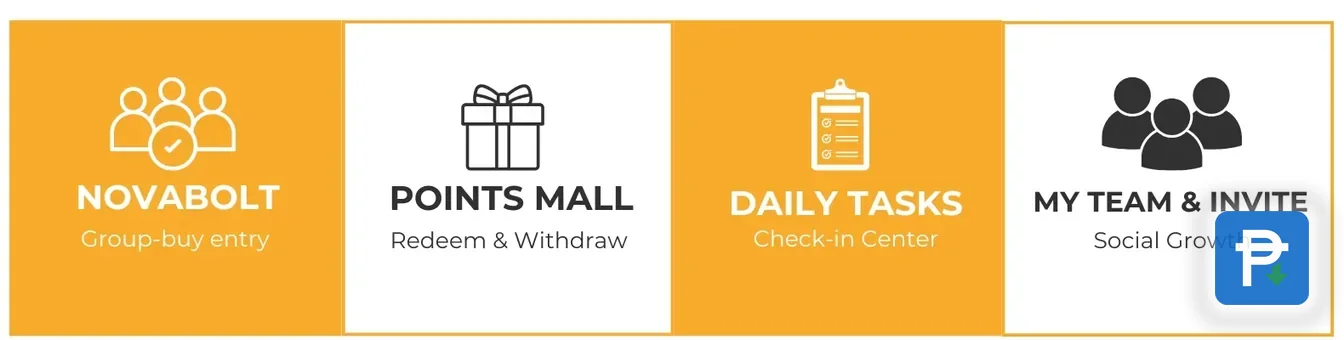
- Four features hold it together: NovaBolt for campaign entries, Points Mall for redemptions and withdrawals, Daily Tasks as the check-in centre, and My Team plus the invite feature. Day-to-day use mostly lives in the first two, from browsing and ordering to checking what the order centre says.
- What is worth checking before I place an order?
- Start with the campaign rules on the product page, then add delivery and weigh the landed cost against buying the same item near you. Pay inside the app so the order stays traceable in your order list, and take down the three dates it shows: closing date, result date and delivery estimate.
- After a month, what is your verdict on the app?
- We are happy with it. Every product page carries its campaign rules, the order centre spells out all eight statuses, and each voucher in the points mall shows its points price before you redeem. The bits that call for a habit, such as reading rules and noting three dates, are what make the app predictable.