How Novaluxia PH Group Buys Work: Campaigns, Prices and Delivery
A Novaluxia group buy is a shopping campaign with a published rule set, a campaign price and a delivery, and this guide walks through each part: where the rules are printed, the NovaBolt four steps, how price and delivery land, and the safety habits worth keeping.
You have seen the group-buy posts, and you are close to joining one. What you actually want to know is straightforward: what does a Novaluxia group buy buy you, where are the rules printed, and what happens between your payment and the parcel at your door? This guide answers those questions in order, using the platform's own published panels, so you can open the same screens and check every line yourself.
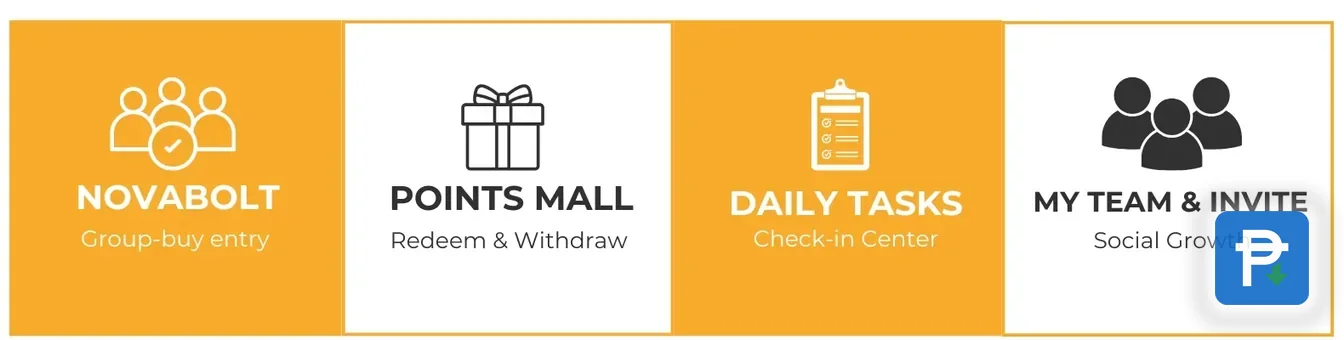
The one-line version: a group buy is a shopping campaign with a product, a published rule set, a campaign price and a delivery. The platform's group-buy engine is called NovaBolt, and it is one of four features alongside the Points Mall, Daily Tasks and My Team. Everything below comes from those screens.
What you are actually joining#
When you tap Join on a campaign, you are buying a specific product at a specific price under terms the campaign page prints in full. That is the whole transaction. There is a product photo, a product title, a group price against a reference price, a delivery term and a record in the app that follows the order afterward.
That matters because the word "group buy" can sound like something it is not. What you commit is the campaign price of the item you chose, and what you receive on completion is that item, delivered through the same order flow as an ordinary purchase. This is shopping, not a deposit product. No campaign page asks you to park money and wait for a payout, and the value on offer is the goods themselves: 105+ merchant partners, 3M+ group-buy sales and 99% positive feedback sit behind a catalogue organised into Beauty Tech, Skincare, Lifestyle and Smart Living. If you are new to the platform altogether, the platform explainer covers the company side in one page.
A campaign card shows what is being sold and what it costs. The rules block underneath shows how the campaign runs and what participants are promised. Both belong to the same product page, and both are readable before you pay.
Where the campaign rules are printed#
Every campaign keeps its terms in a Group Buy Rules block on its product page. The block states, in the campaign's own words, how it runs, what participants receive and the delivery conditions that apply. The product title tells you which type you are looking at, and the same rules repeat at checkout inside the app. One line covers the practical habit for all of it: read the campaign rules on the product page before you tap Join.
The block also carries the daily purchase cap, phrased in the app as a limit of 5 products per day at each price. That cap applies across the shopping side, so it is worth knowing before a big day of orders.
Checking takes about half a minute, and it is worth doing on the live page rather than a screenshot. Campaign terms vary from one listing to the next, so the version that governs your entry is the one displayed on the day you join. A forwarded post or a chat summary is somebody's copy; the product page is the source. The step-by-step walkthrough follows the same flow from the product page through to the result if you want the longer version.
The NovaBolt four steps#
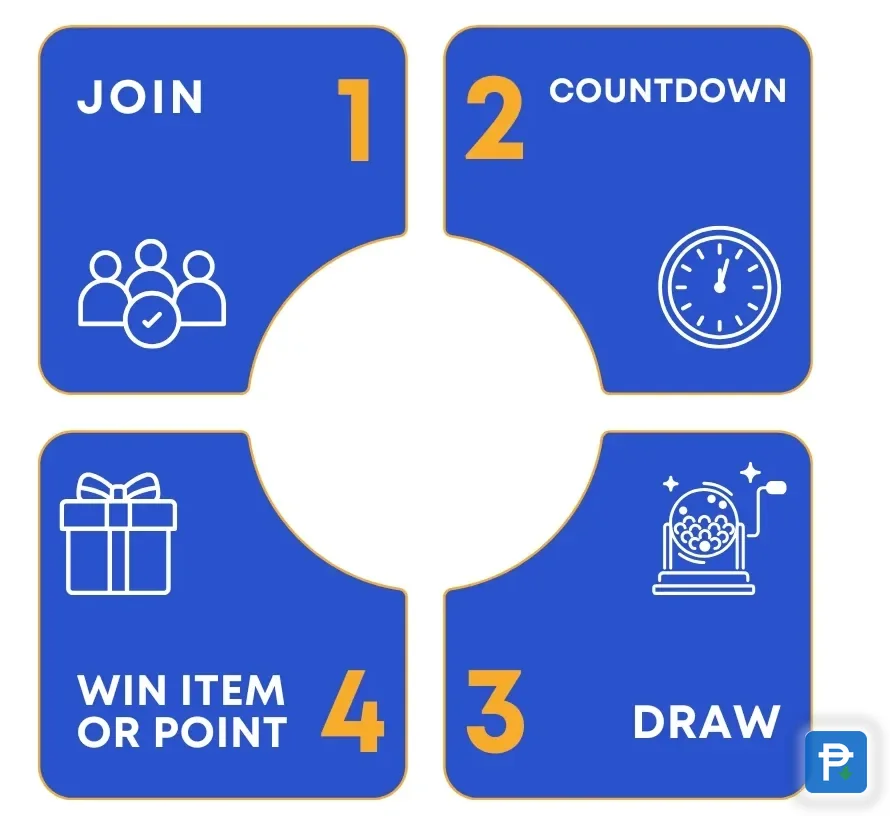
The platform's own training material lays the group-buy flow out in four steps: Join, Countdown, the campaign result, and the outcome, Win Item or Point. Read in sequence, they describe exactly what happens to your entry.
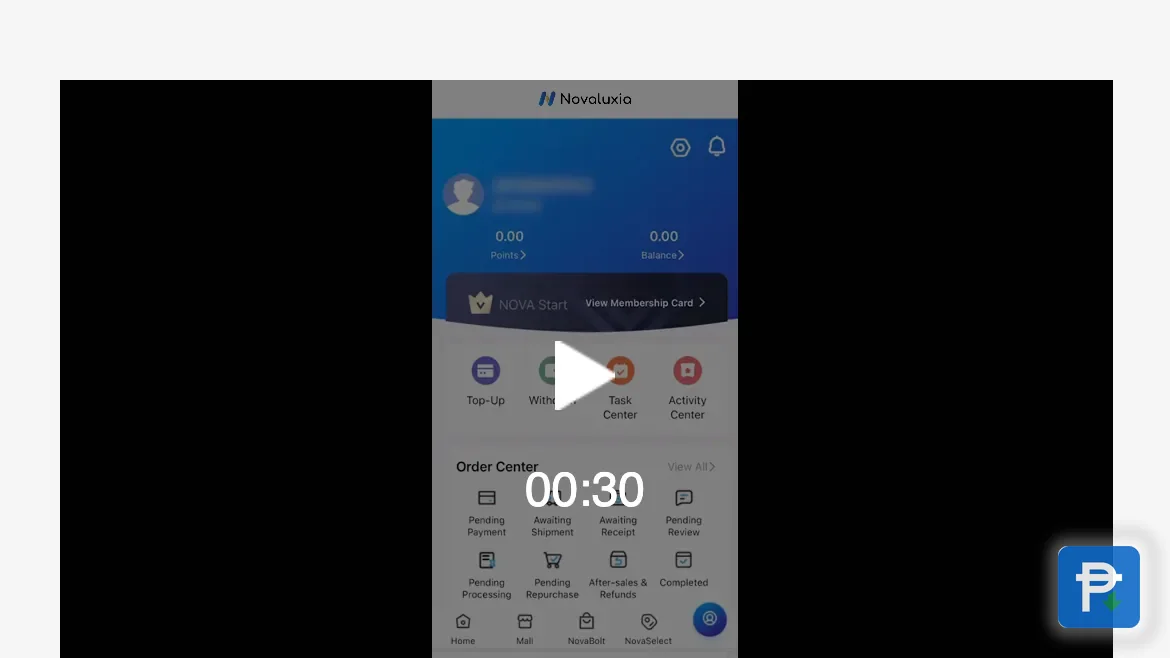
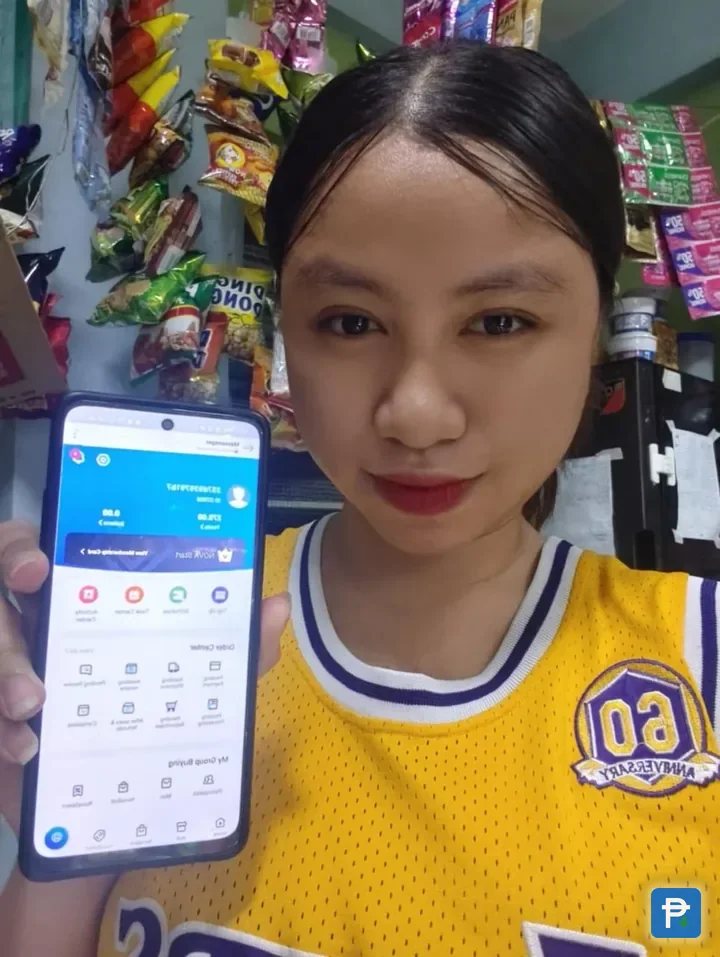
You join at the campaign price, and the campaign runs on its countdown. When the countdown closes, the campaign resolves, and the result is recorded in the app under My Group Buying, which sorts entries into Participated and Won. From there, a completed order enters the normal delivery flow, where the order centre follows it stage by stage. If a group does not fill, the campaign's published terms decide the settlement, and the app records the outcome under a plain label, the same way it records every other campaign result.
None of this happens in a chat window. The countdown, the participant count and the result all live in the app, which is the only place they stay current. A screenshot of a campaign can be useful for context, but the live screen tells you the state of the campaign at this moment.
Price and delivery economics#
Two numbers on a campaign page do the heavy lifting: the campaign price, and the reference price it is measured against. The comparison worth running is the one you would run on any purchase: campaign price plus delivery against the same item bought locally. Our desk does exactly that on the items we publish, and the price checks page keeps them together with the date of each check. The method behind them is printed too, so you can repeat it on any listing.
Some recent examples from our own checks, read on 17 September 2026: an OmieBox V2 bento lunch box at ₱2,630.31 against ₱3,299 elsewhere, a saving of ₱668.69; a Xiaomi 33W power bank at ₱1,220 against ₱1,499; and a handheld garment steamer at ₱650.21 against ₱849. The same arithmetic applies to whatever campaign you are looking at, and the campaign page hands you the first figure.
Delivery is published as well. The app's guide tab holds a Delivery Policy dated 27 May 2026, and the operation runs from a Makati regional headquarters with local warehousing and a local support team, so the order you are following is handled inside the country. Once a campaign completes, the parcel moves through a known set of stages, and the order status guide explains what each one means. Add the delivery quote to the campaign price before deciding, and the total is the real number to weigh.
Is Novaluxia an investment?#
If that question brought you here, the answer is simple and the app itself supplies it: no. A Novaluxia group buy is a shopping format. The campaign page sells goods at a group price, and the outcome is recorded as an item or a point reward under the published rules. Nothing on the page promises a payout or a return, and nothing about the flow asks you to leave money parked for one.
So how does Novaluxia work, in one line? You choose a product, join its campaign at the published price, follow the countdown, and the order ships when the campaign completes. What you end up with is the item you joined for, or the settlement the campaign's own terms describe. That is the design, and it is why the pages put the product, the price and the delivery terms in front of you before anything else.
The shopping side has plenty to offer on its own terms: curated categories, price-checked listings and points that arrive after orders. Treat the campaign exactly like a purchase, and every other part of the flow makes sense.
How to read a campaign card#
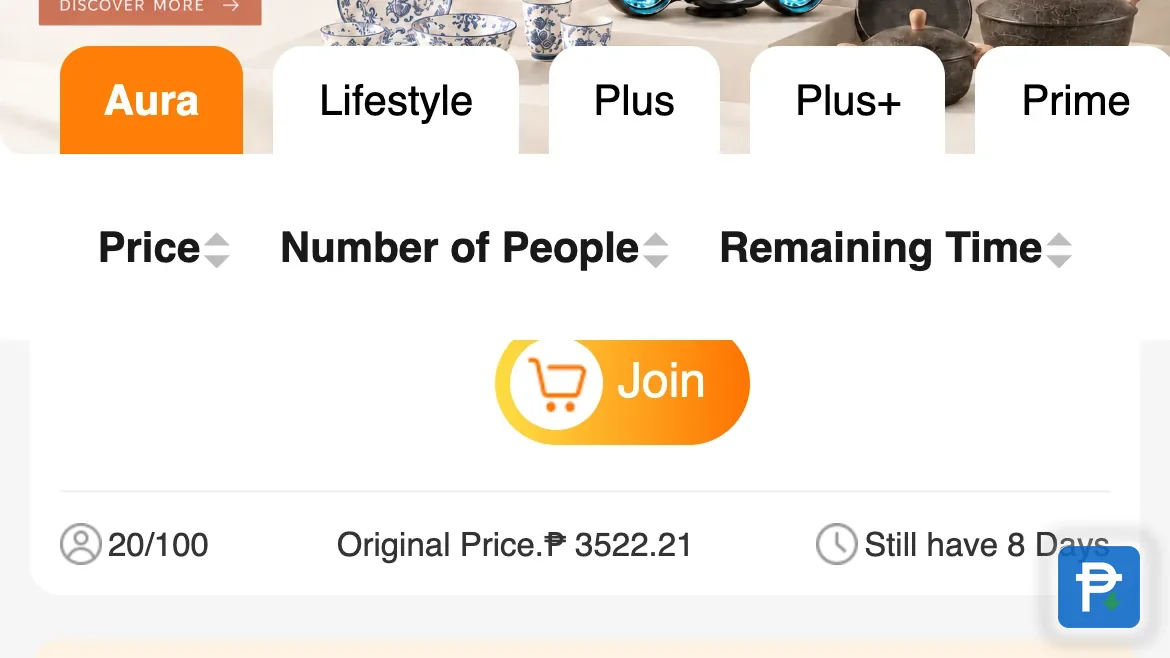
A campaign card is a small table of five things, and each one has a job:
| On the card | What it tells you |
|---|---|
| Product title | Which type of campaign you are looking at |
| Campaign price | What it costs to join |
| Reference price | What the item is measured against |
| Participant count | How the group is filling while the countdown runs |
| Countdown | How much time the campaign has left |
The card is the summary. The Group Buy Rules block on the page behind it is the detail. When both look right, the habit we recommend is quick: screenshot the product page and the checkout total before you pay, so the campaign terms, the entry price and the total you actually paid sit in two images you can find later. It takes ten seconds, and it makes any later question easy to answer.
Paying outside the app: how the tricks work#
This is the one part of group buying worth slowing down for, and it is the same story on every shopping platform in the country. Fake sellers and fake pages offer to "process" a group entry for you, quote a lower price, and ask for a GCash transfer to a personal number or a bank deposit outside the app. Some pose as agents who will top up your wallet or reserve a slot. The moment payment leaves the app, the order record leaves with it, and there is nothing left to check.
The same applies to a copycat app or a repackaged file sent through a chat, and to anyone who asks for an OTP, at any point, for any reason. A genuine order never needs one. Keep the app itself genuine by installing only from the store listing you found by searching, and match the identifiers when you do: package uni.UNI7878C48 on Google Play, id 6746707874 on the App Store. The fake apps and pages guide walks through the one-minute checks in full, including what to do if money has already moved.
Group buying is a community format, and the community is the reason it works: orientation sessions, training events and a catalogue of local brands. Keep the payment inside the app and that community stays exactly what it should be.
Next#
- The year in one piece: our Novaluxia review for 2026
- The record with its dates: our evidence file
- The practical guides we keep: Tips & Guides
- Every check and claim we keep: our reviews hub
What we checked, and when#
- The Group Buy Rules block, the NovaBolt four steps, the daily purchase cap and the campaign-card layout: read on campaign and guide screens in the app and on the official web store, 2026-09-18.
- The product examples and their savings (OmieBox V2, Xiaomi 33W power bank, handheld garment steamer): from our own price checks, read 17 September 2026.
- The Delivery Policy dated 27 May 2026 and the local Makati operation: from the app's guide and news screens and the brand site, checked 2026-09-18.
- Company facts (105+ merchant partners, 3M+ group-buy sales, 99% positive feedback, the four categories): from the brand site's own pages, checked 2026-09-18.
Rules, prices and delivery terms do change, so open the live campaign page in the app and read the version on display before you join. Our recommendation stands: pick a campaign that carries a name you recognise, run the price check, keep the payment inside the app, and let the order centre do the tracking.
Quick answers
- How does a Novaluxia group buy work?
- You pick a product, join its campaign at the published group price, and follow the countdown in the app. When the campaign completes, the order moves into the same delivery flow as any other purchase, and the app shows each stage under My Group Buying and the order centre.
- Is Novaluxia an investment?
- No. A group buy is a shopping campaign with a product, a price and a delivery. What you receive is the item you joined for, and the campaign rules on the product page set out how the campaign runs and what participants get.
- Where do I find the rules for the campaign I am joining?
- The Group Buy Rules block on the product page, repeated at checkout. The product title tells you which type you are looking at, and the same block carries the entry price, the group conditions and the daily purchase cap.
- What happens after the countdown ends?
- The campaign resolves, and the result is recorded under My Group Buying. A completed order goes straight into the normal delivery flow, where the order centre keeps track of it stage by stage.