Tracking a Novaluxia PH Order: What Each Status Means
Most of the confusion comes from two things: statuses the app words differently from the courier text, and a campaign stage that ordinary shopping never has. This guide explains what each status means and when it makes sense to ask for support.
Most panics about a missing order turn out to be a status mismatch. The Novaluxia app reports one thing, a courier message reports another, and neither of them is wrong.
The stages every order passes through#
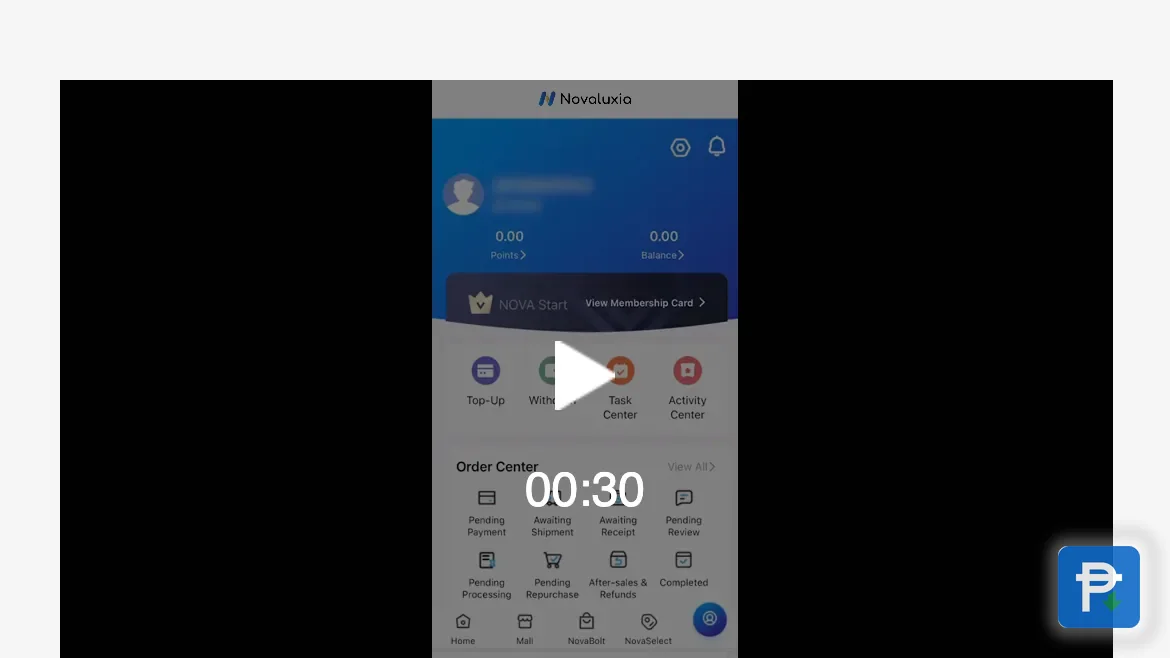
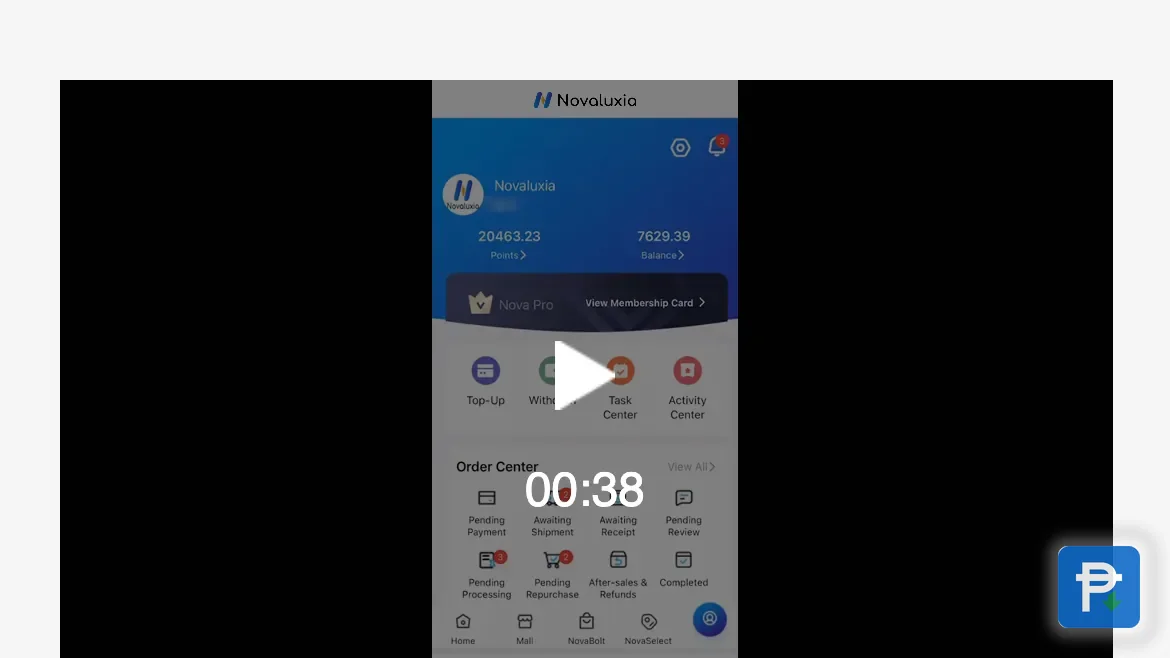
Everything lands in one of eight buckets in the order center: Pending Payment, Awaiting Shipment, Awaiting Receipt, Pending Review, Pending Processing, Pending Repurchase, After-sales & Refunds and Completed. Those eight names are the folders the order centre files every order into. The table below lists the six stages an order moves through in real life and what each one tells you:
| Stage | What it means | What you should do |
|---|---|---|
| Waiting on the campaign result | Payment made and entry placed; the result is still pending | Wait. The campaign's countdown and terms are in the app, and both the result and any shipping appear later under My Group Buying |
| Won / order placed | The campaign resolved in your favour and the order enters the standard flow | Take a screenshot of the checkout total now |
| Processing / preparing | The order is accepted and being picked or packed | Nothing needed. This is the quietest and longest phase |
| In transit / shipped | The parcel is with a carrier and moving through its network | Follow the courier reference if one appears in the app |
| Out for delivery | On a vehicle and heading for your address today | Keep the phone on and answer calls from unknown numbers |
| Delivered | The carrier marks the delivery complete | Inspect the parcel the same day, not the following week |
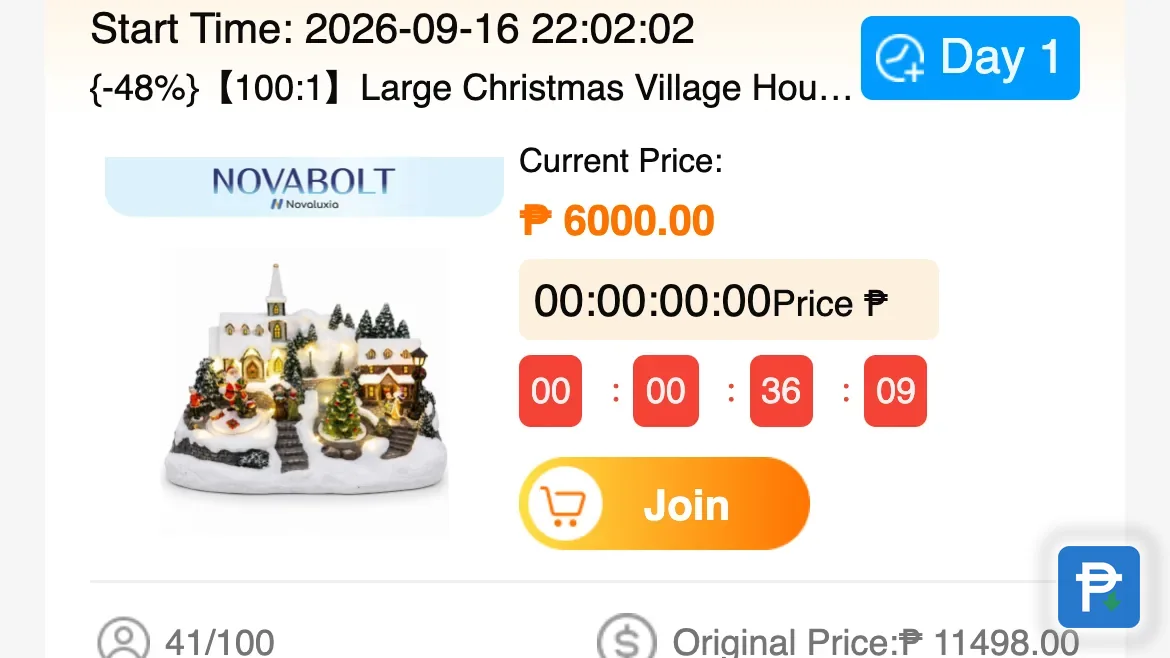
One stage sets a group-buy order apart from ordinary retail: the campaign result. Three things catch people out again and again:
- A campaign result is a routine event, yet it is routinely mistaken for a lost parcel. The app files it under My Group Buying, apart from the shipping flow, so the two never have to be confused.
- "Processing" is a stage of waiting. The order exists at that point, but no parcel does, and a campaign order may rest here longer than an ordinary retail purchase.
- A group buy keeps three clocks. The close of the entry window, the resolution of the campaign and the dispatch of the parcel are three distinct dates. Check only one and a perfectly ordinary stage can look confusing, which is why the group buy walkthrough shows where each campaign posts its timeline.
The app uses more status names than those six stages of movement. While a group is still counting down it reads To Be Announced; when it resolves, it becomes Group buying successful or Group buying failed; and a group that reaches maturity without filling is settled as Returned at maturity.
Why the app and the courier tell different stories#
The two are answering different questions:
- The app tracks your order: the campaign, the payment and the fulfilment state.
- The courier tracks a parcel: the physical box, from the point it is handed over.
Until handover, the courier has nothing to say. From handover onward, the courier is the more trustworthy source. In between, the two will seem to disagree, and that is normal.
When to report a problem, and how#
Time your report for after the delivery estimate in the app has passed and the status still has not moved. Estimates shift for reasons unrelated to your order. At 11:13 on 19 August 2026, the app carried a SHIP DELAY advisory: "Tropical Depression Neneng and the enhanced Southwest Monsoon may affect delivery times in some areas." Advisories of that kind reach the app's news feed ahead of anywhere else, so the app is your first stop and the courier message your second.
Use the app's order or support flow, and bring:
- Your order number.
- The name of the campaign or product.
- Screenshots of the product page and the checkout total.
- A one-line timeline in the form: ordered on X, estimate was Y, still showing Z.
- A photo if the parcel turned up damaged or the contents were not right.
Keep every message inside the platform's channel. A private conversation with a seller leaves you nothing to escalate, and anything settled off-platform leaves no evidence behind.
Delivered on paper, nothing at the door#
Report it the same day. Deliveries are marked wrongly often enough, whether the parcel went to a neighbour, the guardhouse or the wrong unit. A same-day report is one support can still act on; a week later the trail has gone cold.
Four habits that head off the problem#
- Screenshot the product page and the checkout total when you buy.
- Write down all three dates: the close of the entry window, the resolution of the campaign and the delivery estimate.
- Keep the receipt from the app.
- Track inside the app first and the courier message second.
How the local operation keeps tracking clear#
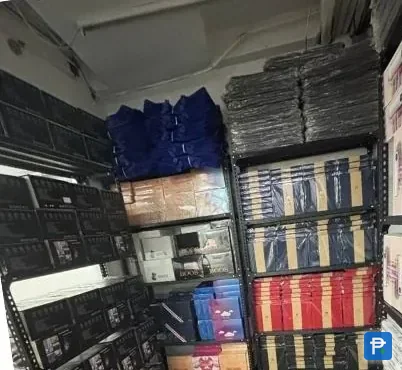
The status flow hangs together here partly because fulfilment happens locally. Novaluxia runs a Makati regional headquarters with a warehouse of its own and a customer-service team in the Philippines, so the order you are following is handled inside the country rather than sent through an overseas hub. The in-app support channel is the one able to act on an order, and it operates from that same local base.
The platform reports 105+ merchant partners, 3M+ group-buy sales and a 99% positive feedback rate. A warehouse and a support desk in the country are what make a number like that trackable one order at a time.
Next#
- Before you order: the 10-minute legit check.
- New to the app: the setup walkthrough.
- More of the practical side: Tips & Guides.
- Reviews and claim checks, collected in one place: our reviews and legit checks.
- New to the platform altogether? Start with what Novaluxia is.
Quick answers
- Why is the courier text different from what the app shows?
- They follow different things. The app follows your order and the campaign state, while the courier follows the parcel from the moment it is handed over. The two only line up once handover happens, so a mismatch along the way is expected.
- How long do I wait before reporting a problem?
- Wait until the delivery estimate shown in the app has passed and the status still has not changed, then report it inside the app with your order number and screenshots. Waiting past the estimate adds nothing to your case.
- The courier says delivered, but no parcel arrived.
- Report it that same day through the app, with your timeline attached. A same-day report is much easier for any support team to work with than one sent a week after the fact.
- I paid and the entry shows as unwon. Does that mean a lost parcel?
- No. That is a normal campaign outcome, and it appears under My Group Buying in the app. Logistics play no part in it, and any shipping is tracked on a separate screen.